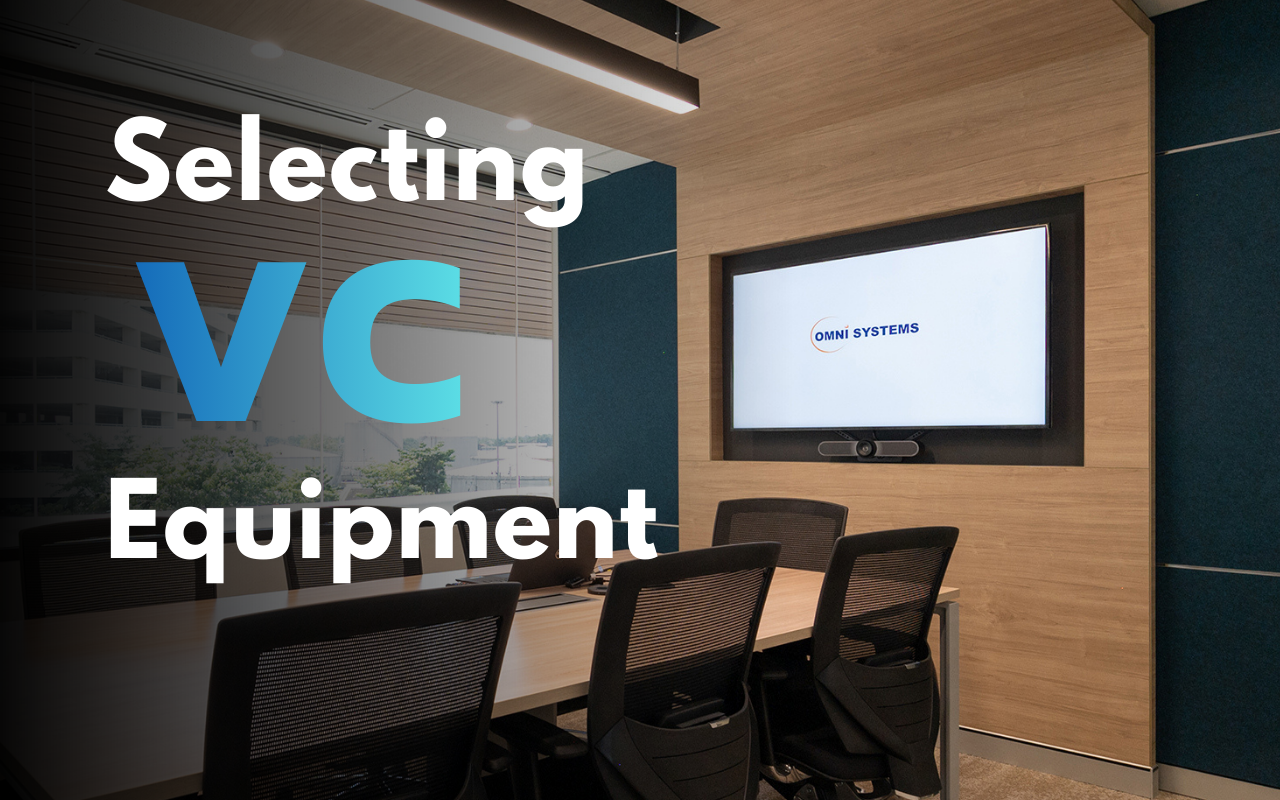
Choosing the right video conference (VC) equipment is a crucial step in creating a seamless collaborative work environment. Regardless of which platform customers and employees use (Microsoft Teams, Zoom, or Google Meet), considering these key factors will help you make the right decision.
Key Factors for Equipment Selection
1. Room Size
- Small/Huddle Room: Requires an All-in-One device, such as a Video Bar with a wide field of view (FOV) and a microphone with a limited pickup range.
- Medium/Large Room: May require a System Kit with a PTZ camera, Beamforming microphones, or auxiliary microphones, to ensure everyone in the room is clearly seen and heard. Control Systems can be added to control various audio visual equipment (TVs, Projectors, Projector Screen, Volume from digital sound processor, lighting and so on).
- Verify whether the equipment directly supports the main platforms you use, such as Microsoft Teams Rooms (MTR), Zoom Rooms, or Google Meets and others.
- Some devices have special features, such as Auto-Framing or Audio Tracking, that work best with certified systems.
- Consider cabling and licensing requirements for software, such as the MTR License, which is often not included in the equipment price.
- Check the need for a LAN line for connecting the main device and running supplementary applications on the display.